Our Products
 Loans
Loans
 Cards
Cards
 Insurance
 Investment
 Stock Market
 Electronics Mall
 CIBIL Score
 Knowledge Centre
 Calculators
Our Services

 Do not call
 En
En

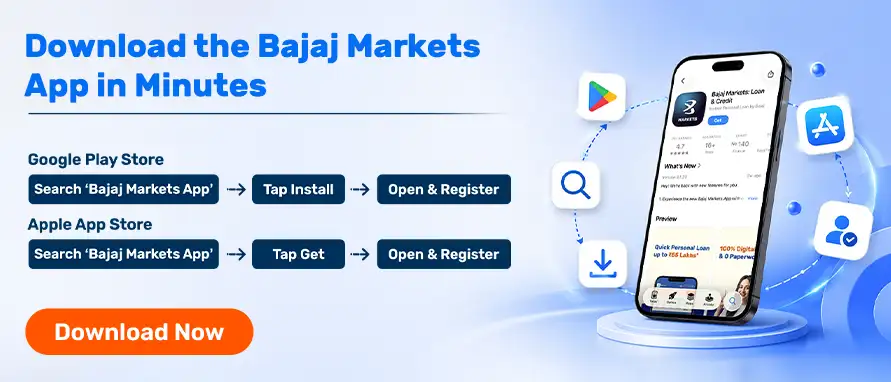
Managing your finances becomes easier when everything is available in one place. The Bajaj Markets App allows you to apply for loans, check your credit score, compare credit cards, invest in financial products, and access various financial services through a single mobile application.
Whether you use an Android smartphone or an iPhone, downloading and installing the app takes only a few minutes. This guide explains the complete process step-by-step.
The Bajaj Markets App offers access to multiple financial products and services through a secure digital platform.
Some key benefits include:
Access to 140+ financial products
Compare loan and credit card offers
Check your credit score online
Track applications digitally
Complete financial tasks from anywhere
Secure and paperless experience


Follow these steps to install this Instant Personal Loan App on your Android device:
Launch the Google Play Store on your smartphone.
Screenshot Placeholder: Search for the Bajaj Markets App
Type "Bajaj Markets App" in the search bar.
Screenshot Placeholder: Search Results Page
Identify the official Bajaj Markets App from the search results.
Screenshot Placeholder: App Listing Page
Click the Install button and wait for the download to complete.
Screenshot Placeholder: Installation Screen
Once installed, tap Open and complete the registration process.
Screenshot Placeholder: App Welcome Screen
If you are an iPhone user, follow these steps:
Launch the App Store on your iPhone.
Enter "Bajaj Markets App" in the search bar.
Screenshot Placeholder: App Store Search Results
Open the official Bajaj Markets App listing.
Screenshot Placeholder: App Detail Page
Authenticate using Face ID, Touch ID, or Apple ID password.
Screenshot Placeholder: Download Screen
Open the application and complete the onboarding process.
Screenshot Placeholder: Home Screen
Android 8.0 or above recommended
Stable internet connection
Sufficient storage space
Compatible iPhone or iPad
Updated iOS version
Active internet connection


Once the app is installed:
Register using your mobile number
Verify your OTP
Complete your profile details
Explore available financial products
Apply for suitable products as required
The platform uses advanced security measures to protect user information. Users can securely access financial products, track applications, and manage their financial activities through the app.
Download the Bajaj Markets App on Android or iOS and access a wide range of financial products and services from your smartphone. Complete applications digitally, compare offers, and manage your finances anytime, anywhere.
You can download the app from the Google Play Store on Android devices or the Apple App Store on iPhones.
Yes, the app is available for both Android and iOS devices.
Yes, downloading and installing the app is completely free.
Yes, eligible users can explore and apply for various loan products through the app.
Most processes can be completed digitally through the app.
Check your internet connection, device compatibility, and available storage space before trying again.



 47202
47202

Navigate the tax maze with ease! Uncover Income Tax 101, demystify jargon with Terms for Beginners, and choose between Old or New Regimes.
 165541
Unlock the world of credit! From picking the perfect card to savvy loan management, navigate wisely.
 97880
97880
Money Management and Financial Planning covers personal finance basics, setting goals, budgeting...
 28605
28605
Explore the investment cosmos! From beginner's guides to sharp-witted strategies, explore India's treasure trove of options.
 18764
18764
Discover essential insights on various types of insurance in India.
 4584
4584
Welcome to Tech in Finance, where we explore the exciting intersection of technology and finance...












 Academy